Focus regions for Product UI videos
Robin
Founder, Fastbreak
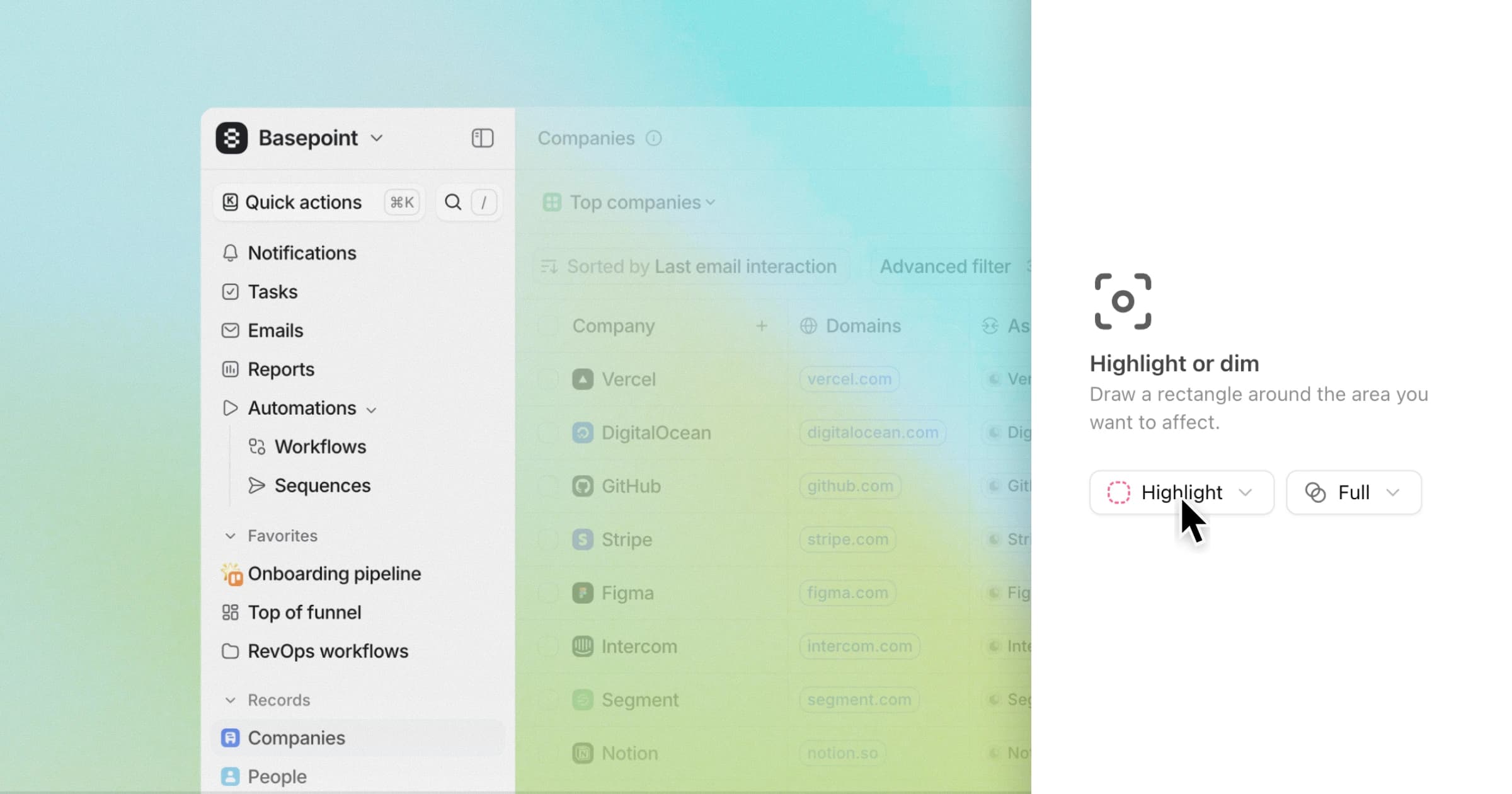
You can now highlight specific areas of your Product UI using Focus regions.
Draw a shape around the part you want to emphasize — a section, table row, or call-to-action — and guide viewers’ attention exactly where it matters.
How it works
- Select your image layer and choose "Focus" from the panel
- Draw a rectangular region to highlight
- Choose Highlight to fade everything outside the selection, or Dim to fade the selection itself.