1-click brand colors
Robin
Founder, Fastbreak
Videos created from templates can now automatically use your brand colors.
How it works:
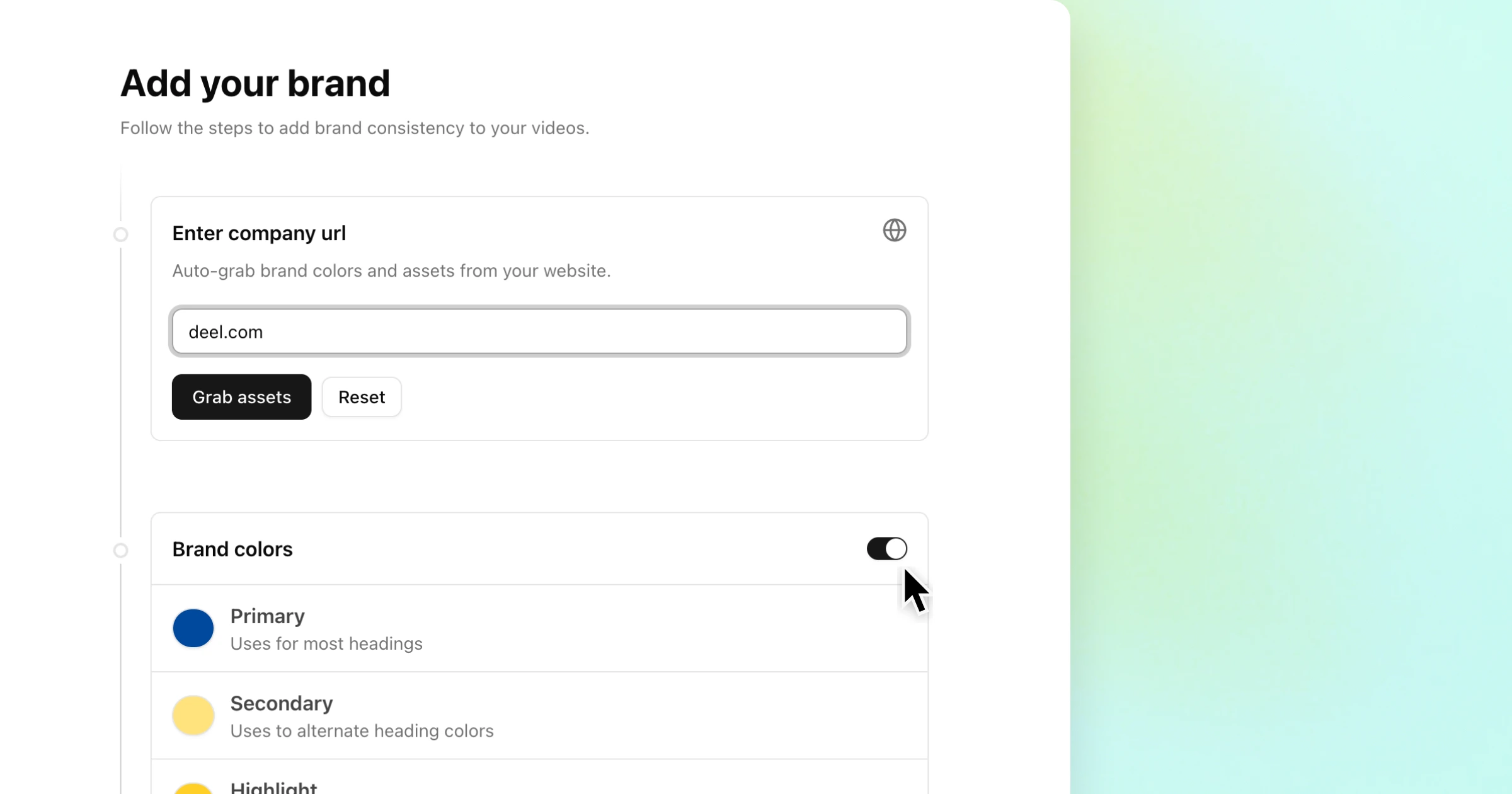
- Add your company URL
- Review the detected colors and click "save."
From then on, whenever you create a video using a template, your brand colors are automatically applied to the scenes.
What’s included (for now):
- Primary foreground color
- Primary background color
Smarter use of accent and highlight colors is coming soon.
I’m also working toward a more holistic brand kit experience to better support collaboration between creatives, designers, and marketers — more on that soon.